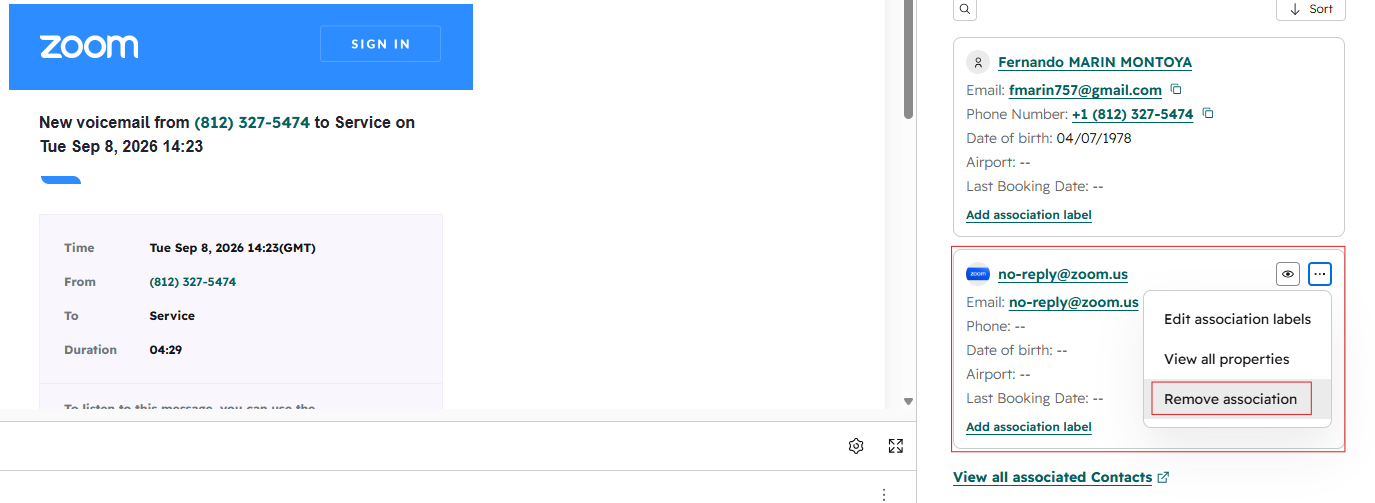
- Before working the ticket: Remove any vendor contacts from the Contact section by clicking the three dots next to the contact and selecting remove. This helps identify duplicate guest contacts.
- After emailing the guest: Remove the vendor contact again, as it may automatically pre-populate after sending the email.